 Static PNG
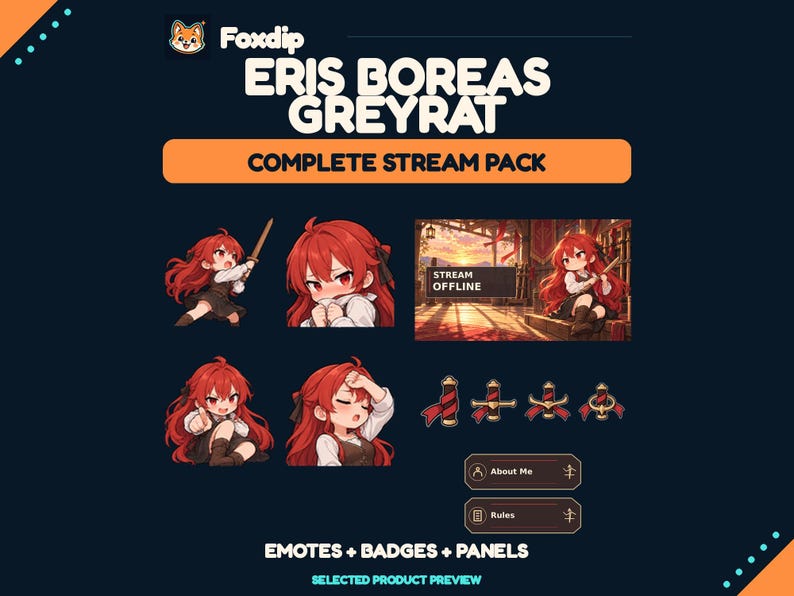
Eris Boreas Greyrat Stream Pack - 12 Emotes
PNGDownload
CA$16.46CAD
 Foxdip✦
MOONMAIL — COZY STATIC STREAM KIT
CA$3.83CAD
1 ZIP · Files available after verified payment.
Buy on FoxdipListing availability checked 2026-11-07 · File details checked 2026-10-23. The files and licence below apply to your Foxdip purchase.
One design can come in several sizes or formats. Those exports are not extra reactions.
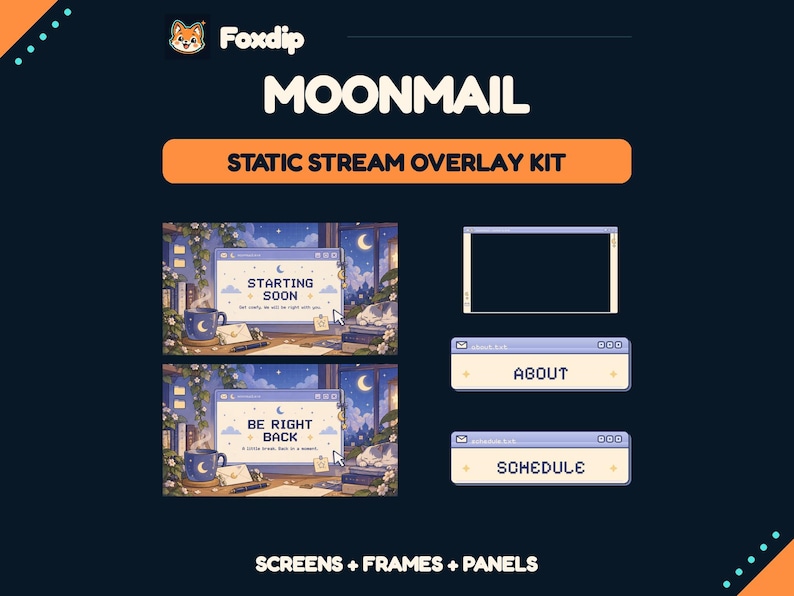
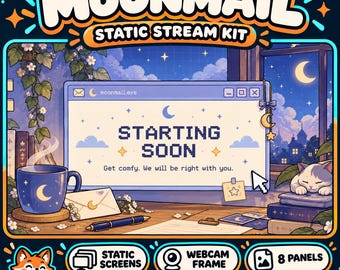
MOONMAIL — COZY STATIC STREAM KIT A moonlit desk, a soft desktop window, warm stationery details and one sleepy cat: a coordinated set for the beginning, breaks and end of your stream. The matching webcam frame and channel panels use the same lavender, indigo and creamy-paper palette, with little envelope, moon and star details. WHAT YOU RECEIVE 13 finished PNG graphics: • 4 screens at 1920 x 1080 px: STARTING SOON, BE RIGHT BACK, STREAM ENDING and OFFLINE. • 1 transparent webcam frame at 1280 x 720 px, with a 16:9 camera opening. • 8 panels at 320 x 100 px: ABOUT, SCHEDULE, RULES, SOCIALS, SUPPORT, FAQ, SPECS and CONTACT. The ZIP includes a quick setup guide and a streaming-use license. HOW TO USE Extract the ZIP, add your chosen screen as an image source, place the webcam frame above your camera and upload your chosen channel panels. Instructions for the OBS image-source workflow are included. PLEASE NOTE • All files are static PNGs. No animation, alert widgets, music or scene import. • Wording is fixed in English; editable templates and personalization are not included. Window controls shown in the artwork are decorative. • The webcam centre is genuinely transparent. Checkerboard previews are not included in the customer file. Camera footage is not included. • Use on your own channels, including monetized streams, is included. Reselling or sharing the downloaded graphics is not permitted. • Digital download only. No physical product will be shipped. FOXDIP DELIVERY After payment is verified, your private download page and confirmation email provide all 1 ZIP file(s) listed below. Extract every archive for this product. For file support, email support@foxdipstudio.com with your order reference and filename.
Dimensions listed for this pack: 1920 x 1080 px · 1280 x 720 px · 320 x 100 px. Match each size to the asset named above.
Explore the setup guide| Format | How to use it | Before uploading |
|---|---|---|
| PNG | A still image. Use an Image source for scene graphics. | For chat or a badge slot, use the size requested by that platform. |
The artwork licence and your platform’s upload features are separate. OBS source reference ↗
FOXDIP - COZY STREAMING USE LICENSE Premade, non-exclusive use on your own channels, including monetized streams, as stated in the Foxdip product listing. You may resize and combine these finished graphics in your own streaming scenes and keep private backups. Do not resell, redistribute, share or sublicense the downloaded graphics, include them in another downloadable product, or claim exclusive ownership. Editable artwork, fonts, personalization and platform account access are not included. The supplied font notices remain applicable to their respective fonts. For file support: support@foxdipstudio.com.
About product licencesAfter verified payment, open your private download page from the confirmation email and download all listed ZIP files. For help, contact support@foxdipstudio.com with your order reference. Keep private download links out of screenshots.
Download and unzip help ↗Static PNGPNGDownload
CA$16.46CAD
 Static PNG
PNGDownload
CA$16.46CAD
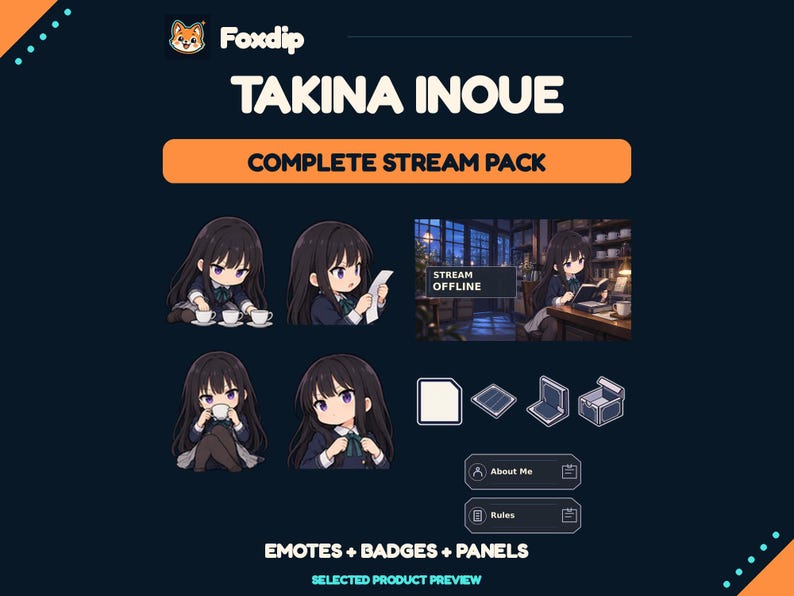 Static PNG
PNGDownload
CA$16.46CAD
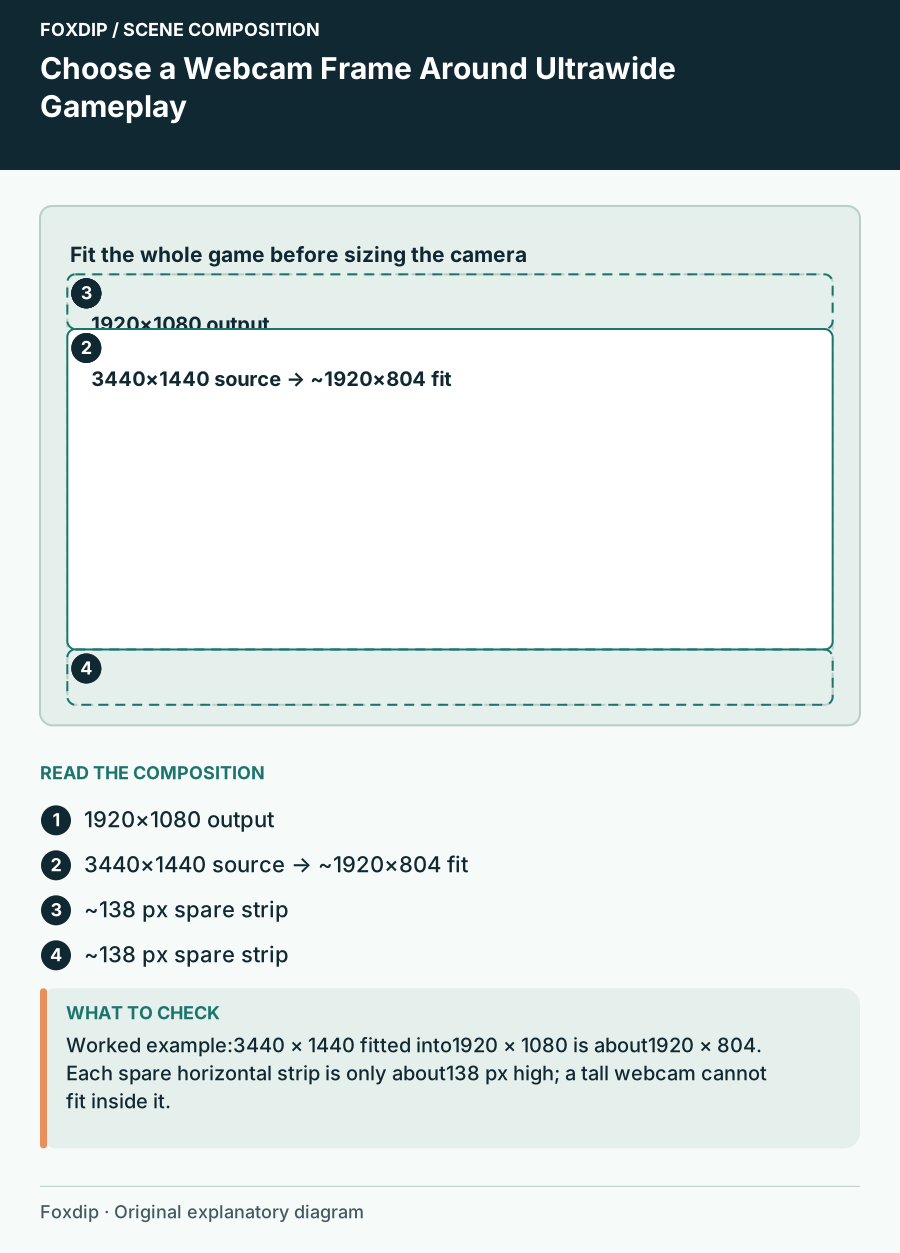
Fit ultrawide game capture into a stream scene, use spare space deliberately and choose a camera frame that preserves the HUD.
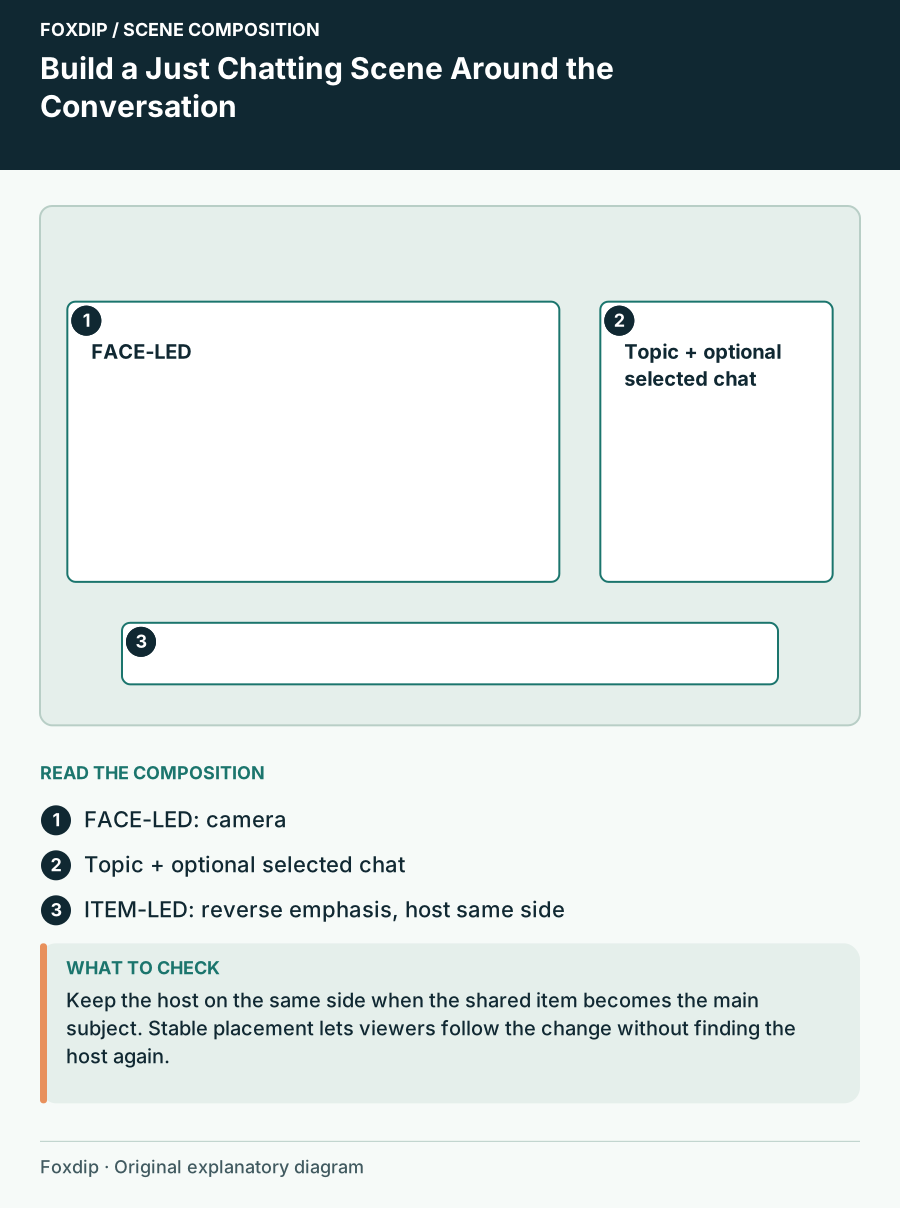
Arrange a large camera, short topic card and optional shared item so a conversation scene can change focus without losing context.