 Animated
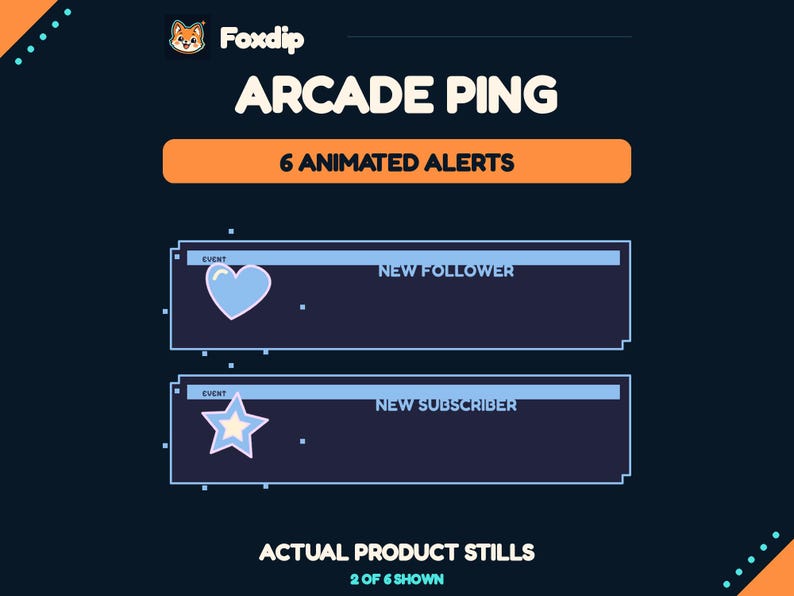
 Stream Alerts, Arcade Ping
PNG · WEBMDownload
CA$5.48CAD
 Foxdip✦

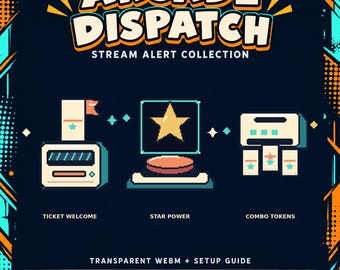
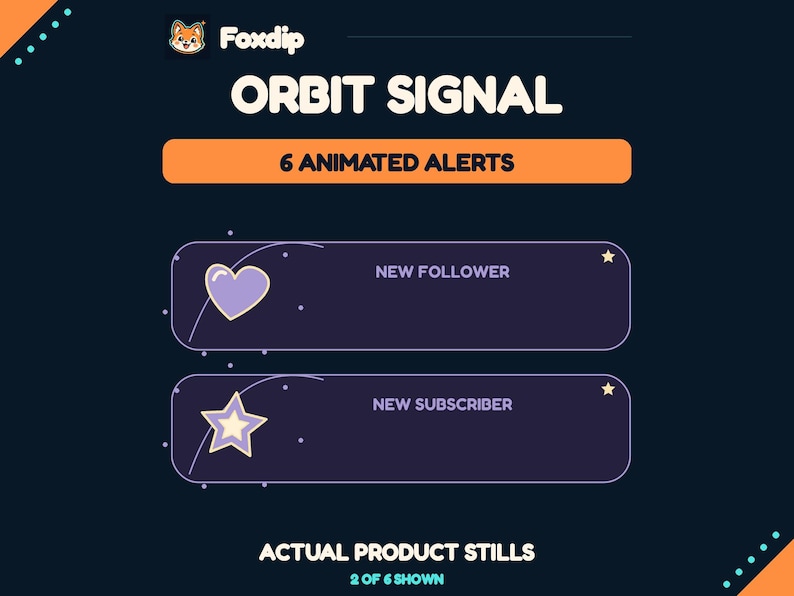
Bring three original arcade moments to your stream: a welcome ticket, a star-powered button and a token combo.
CA$5.15CAD
1 ZIP · Files available after verified payment.
Buy on FoxdipListing availability checked 2026-11-07 · File details checked 2026-10-23. The files and licence below apply to your Foxdip purchase.
One design can come in several sizes or formats. Those exports are not extra reactions.
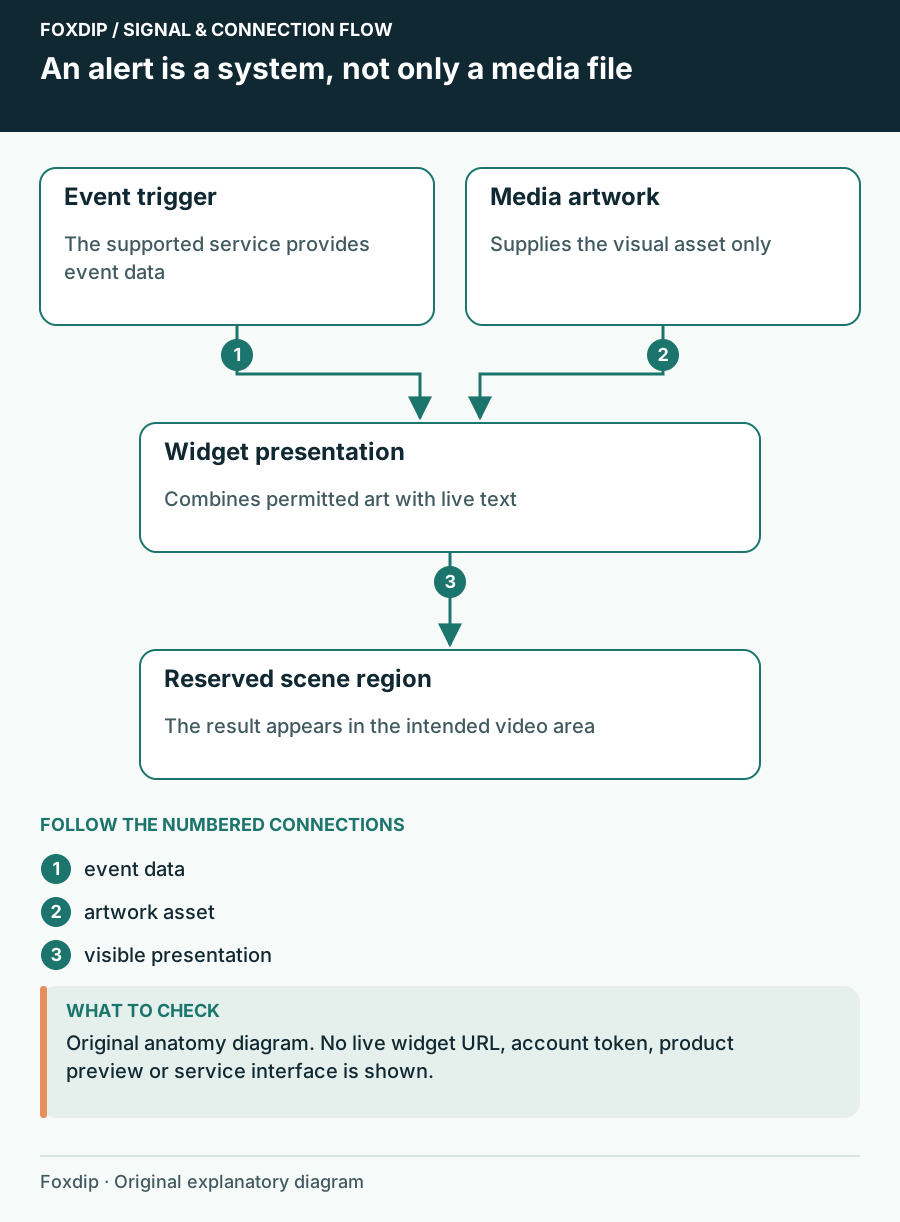
Bring three original arcade moments to your stream: a welcome ticket, a star-powered button and a token combo. WHAT YOU RECEIVE 3 distinct animated alert designs: Ticket Welcome, Star Power and Combo Tokens. 3 transparent WEBM videos, 1280 × 720 px, 24 fps, 5 seconds each. 3 matching transparent PNG poster frames and an illustrated setup guide. One ZIP download. No audio, editable project files or custom changes are included. HOW TO USE Configure the videos in a compatible alert tool such as StreamElements, then add its browser source to your broadcast software. Add viewer names and event messages in the alert tool. The files do not automatically connect to your account or detect events by themselves. The guide explains manual setup and event variations. DELIVERY AND LICENSE Instant digital download after payment is confirmed. No physical item. Premade and non-exclusive. You may use the graphics on one streaming channel, including monetized broadcasts. Do not resell, redistribute, share the source files, sublicense or include the graphics in another asset pack. Artwork and motion were created as original digital graphics. Product previews show the actual included files. FOXDIP DELIVERY After payment is verified, your private download page and confirmation email provide all 1 ZIP file(s) listed below. Extract every archive for this product. For file support, email support@foxdipstudio.com with your order reference and filename.
Dimensions listed for this pack: 1280 × 720 px. Match each size to the asset named above.
Explore the setup guide| Format | How to use it | Before uploading |
|---|---|---|
| A document for a PDF reader, often instructions or printable content. | This is not an emote or a scene image. | |
| PNG | A still image. Use an Image source for scene graphics. | For chat or a badge slot, use the size requested by that platform. |
| WEBM | A local video file. Use a Media Source for an OBS scene. | An alert video still needs an alert service to trigger it. |
The artwork licence and your platform’s upload features are separate. OBS source reference ↗
Premade and non-exclusive. You may use the graphics on one streaming channel, including monetized broadcasts. Do not resell, redistribute, share the source files, sublicense or include the graphics in another asset pack.
About product licencesAfter verified payment, open your private download page from the confirmation email and download all listed ZIP files. For help, contact support@foxdipstudio.com with your order reference. Keep private download links out of screenshots.
Download and unzip help ↗AnimatedPNG · WEBMDownload
CA$5.48CAD
 Animated
PNG · WEBMDownload
CA$5.48CAD
 Animated
PNG · WEBMDownload
CA$5.48CAD