FOXDIP / CAMERAS HELP

Logitech C920

Choose the symptom below, then follow the checks for your connection and app version.

All devices & apps
PICK THE PROBLEM

Let’s get it working.

2 guides for Logitech C920

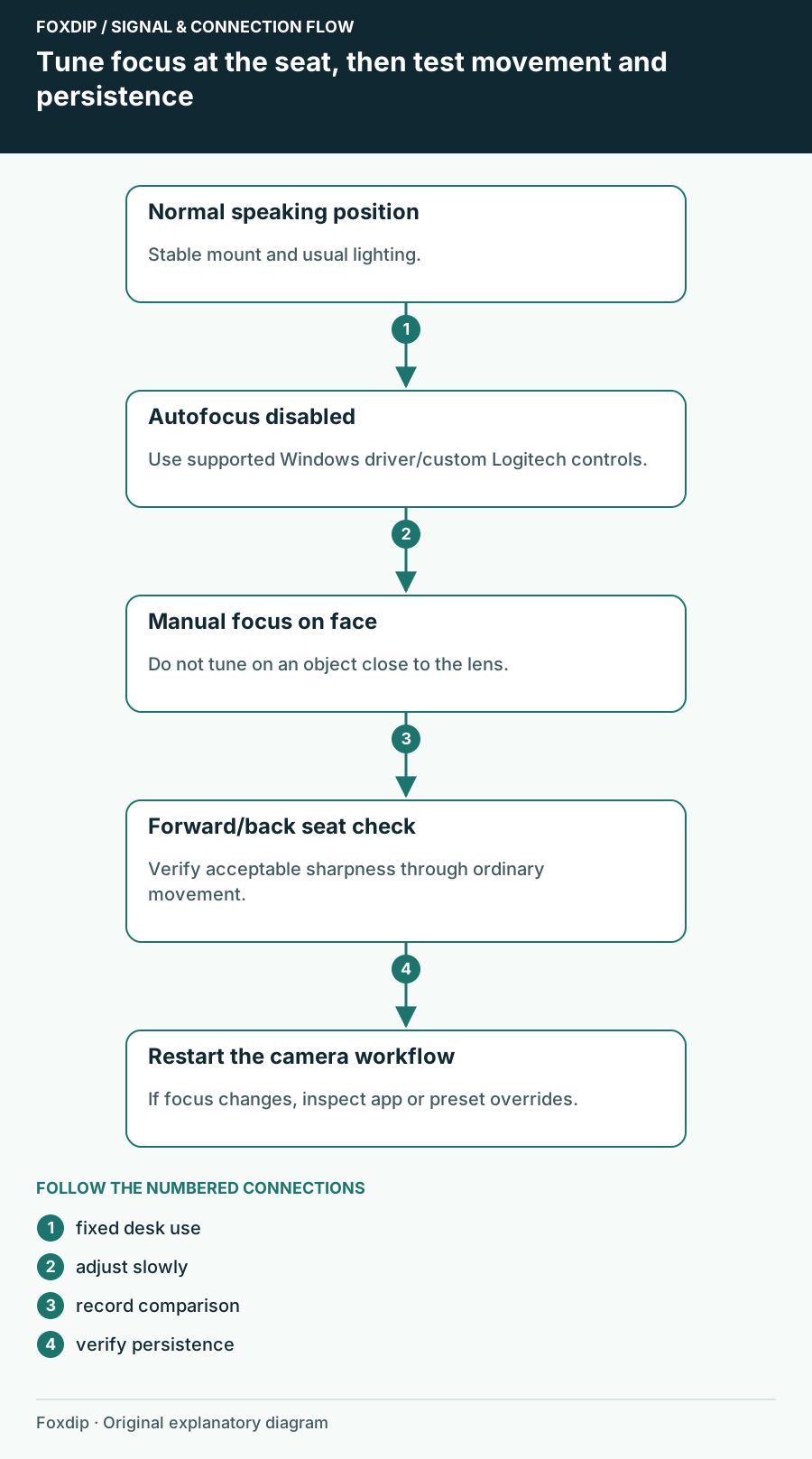
Tune focus at the seat, then test movement and persistence. Labels show the relationships described in the guide.
Tutorial

C920 Autofocus Keeps Hunting: Set Focus for Your Seat

Choose autofocus or a fixed focus for your actual speaking distance, distinguish motion blur, and verify the setting after OBS restarts.

5 min read ·Oct 26, 2026
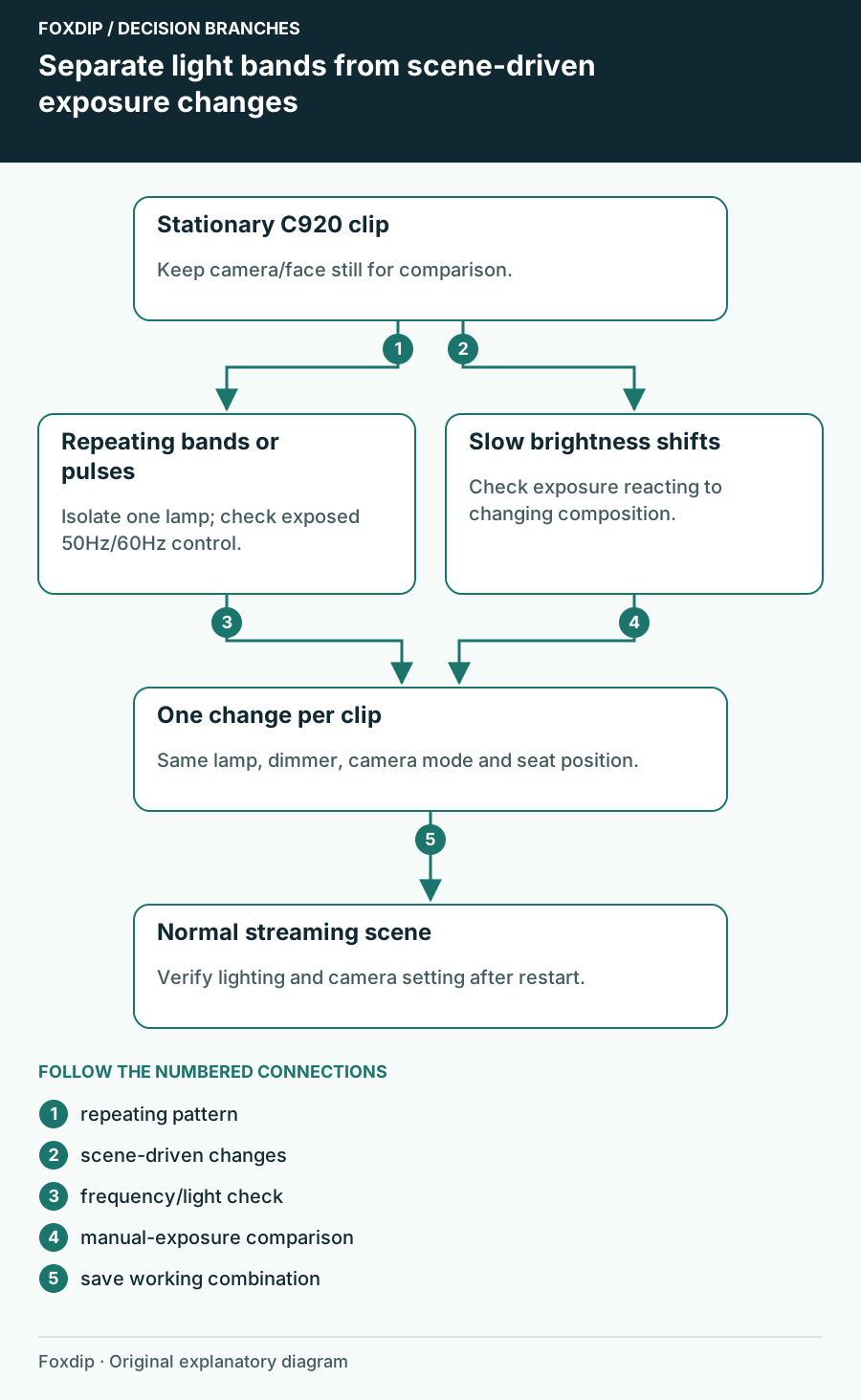
Separate light bands from scene-driven exposure changes. Branches connect the checks and possible next steps.
Tutorial

C920 Flickers Under Room Lights: Check the Lighting Frequency

Separate repeated light bands from automatic brightness changes, then check the C920 anti-flicker control and the lamp causing the symptom.

5 min read ·Oct 26, 2026