 Animated
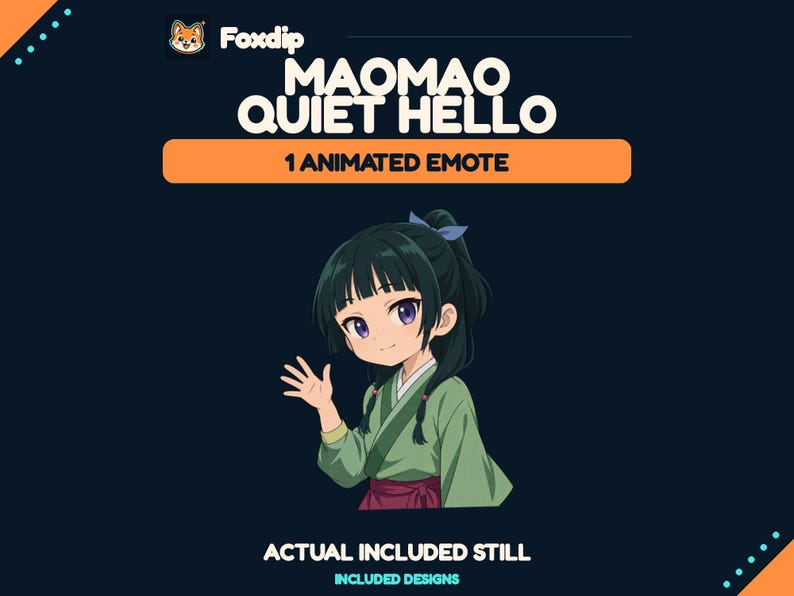
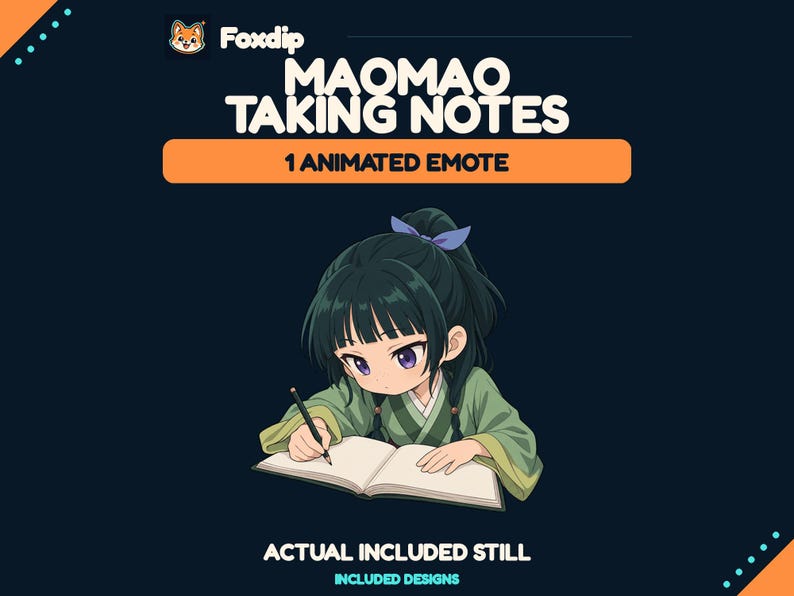
Maomao Quiet Hello Animated Emote
GIF · PNGDownload
CA$3.83CAD
 Foxdip✦
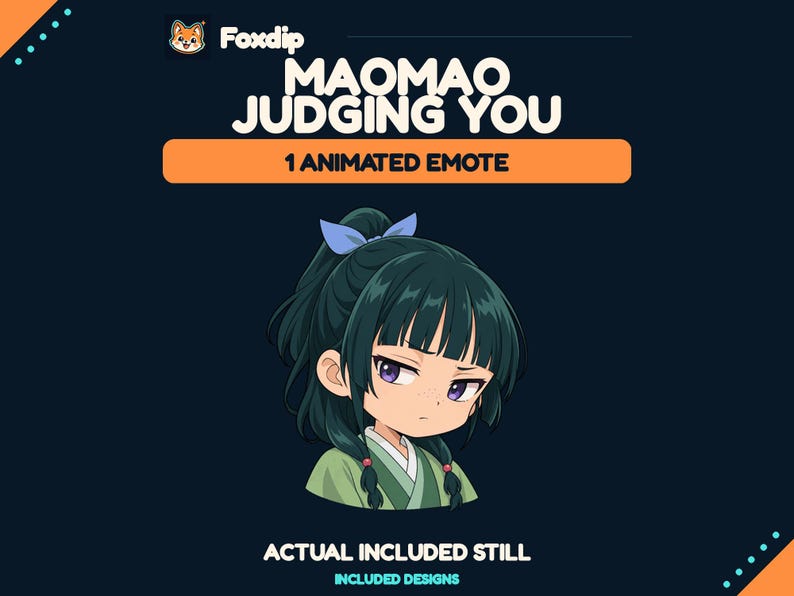
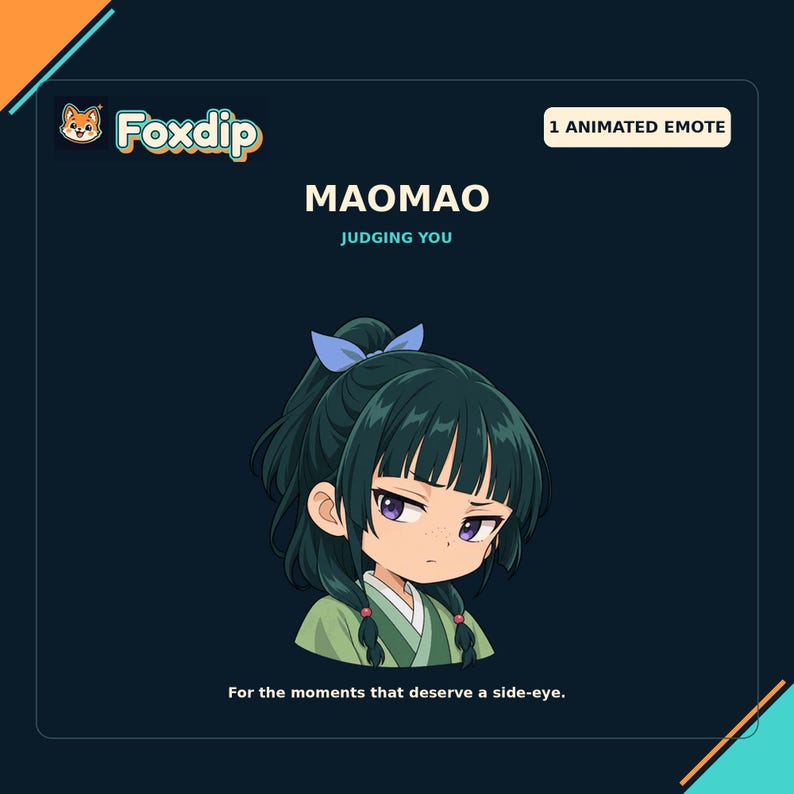
Bring Maomao to your chat with one animated reaction: Judging You. For the moments that deserve a side-eye.
CA$3.83CAD
1 ZIP · Files available after verified payment.
Buy on FoxdipListing availability checked 2026-11-07 · File details checked 2026-10-23. The files and licence below apply to your Foxdip purchase.
One design can come in several sizes or formats. Those exports are not extra reactions.
Bring Maomao to your chat with one animated reaction: Judging You. For the moments that deserve a side-eye. WHAT YOU RECEIVE 1 distinct animated reaction, supplied as 5 transparent GIF files: 1 original 512 px master, plus 112, 56 and 28 px Twitch manual-upload sizes and a separate 128 px Discord size for each reaction. 5 matching transparent PNG stills: 512, 128, 112, 56 and 28 px per reaction. 1 ZIP download, with an English setup guide and use terms. This listing contains one emote in several sizes. It is also available in the four-emote pack. HOW TO USE Download and extract the ZIP file. For Twitch, turn off auto-resize and upload the three Twitch_Manual GIF sizes in an animated emote slot. For Discord, upload the 128 px GIF manually through Server Settings > Emoji. Platform permissions, account eligibility, subscriptions and available slots apply. Twitch GIF exports have at most 60 frames and are below 512 KB each; the Discord GIF is below 256 KB. The 512 px master is a larger reference file, not the direct platform emoji upload. PLEASE NOTE Digital download only; no physical item, custom design, editable source, rig or installation service. Preview backgrounds and sample presentation graphics are not included in the transparent emote files. Non-exclusive artwork for your own personal/channel use. Do not resell, share or redistribute the files. Platform approval is not guaranteed. UNOFFICIAL FAN ART Inspired by Maomao from The Apothecary Diaries. Not affiliated with or endorsed by the original rights holders. Character and franchise rights remain with their respective owners. This purchase does not transfer character/franchise rights. FOXDIP DELIVERY After payment is verified, your private download page and confirmation email provide all 1 ZIP file(s) listed below. Extract every archive for this product. For file support, email support@foxdipstudio.com with your order reference and filename.
Explore the setup guide| Format | How to use it | Before uploading |
|---|---|---|
| GIF | An image with animation. Check the full loop and any accompanying stills. | Animation support and available upload slots depend on your platform and account. |
| PNG | A still image. Use an Image source for scene graphics. | For chat or a badge slot, use the size requested by that platform. |
The artwork licence and your platform’s upload features are separate. OBS source reference ↗
PLEASE NOTE Digital download only; no physical item, custom design, editable source, rig or installation service. Preview backgrounds and sample presentation graphics are not included in the transparent emote files. Non-exclusive artwork for your own personal/channel use. Do not resell, share or redistribute the files. Platform approval is not guaranteed.
About product licencesAfter verified payment, open your private download page from the confirmation email and download all listed ZIP files. For help, contact support@foxdipstudio.com with your order reference. Keep private download links out of screenshots.
Download and unzip help ↗AnimatedGIF · PNGDownload
CA$3.83CAD
 Animated
GIF · PNGDownload
CA$3.83CAD
 Animated
GIF · PNGDownload
CA$3.83CAD