
Logitech says it will remove LGS installation files, download links and support documentation on 31 October 2026. Identify your exact device and preserve useful configuration notes before a future reinstall.
In this guide
The date is about downloads and documentation
The notice on Logitech’s support site specifies the removal of LGS installation files, download links and support documents. It also says the company is exploring alternative resources, without promising a replacement source.
That wording describes future access to the installer and documentation. It does not say an existing installation will be remotely removed on that date. Do not uninstall a working setup just because a download deadline is approaching.
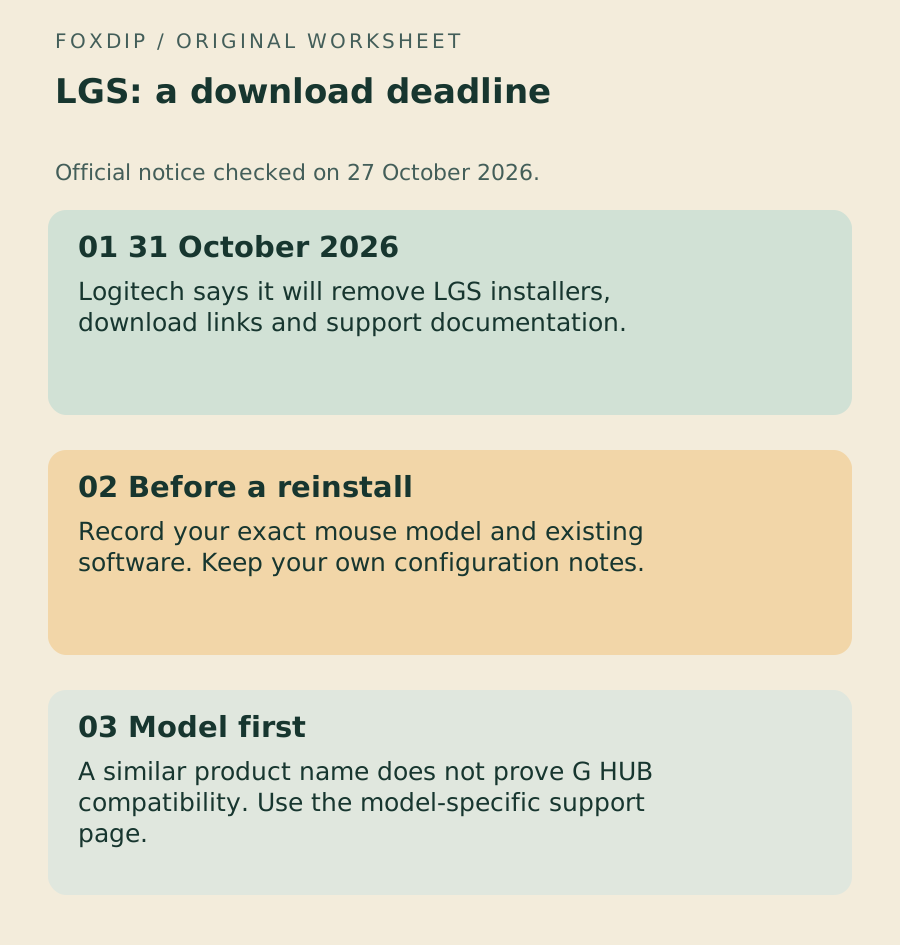
Original Foxdip worksheet. The examples are planning prompts, not a software screenshot or a measured result.
Check the label before following a G502 guide
G502 is a family name. Proteus Core, HERO, LIGHTSPEED and G502 X do not all have the same hardware or software instructions. Record the exact label and the software you currently use, then open that model’s official support page.
Logitech says G HUB has succeeded LGS for new devices since 2019. That is not a promise that every older peripheral can be migrated to G HUB. Check compatibility for your device rather than relying on a similarly named mouse in a search result.
Use the model-specific route for the 2014 mouse. Start with the original Proteus Core ↗
Keep HERO instructions separate from the original model. Find the HERO guides ↗
Keep a useful record while the setup is working
Record the model, installed software version, active profile, essential assignments and any supported onboard settings. Save your own configuration exports or notes in a separate place. If a model-specific official download is still available and you need it, use that verified vendor route and keep its provenance with the file.
Do not collect an installer from an unfamiliar mirror just to beat a date. If the official page no longer supplies it, check Logitech’s current guidance and support. A missing installer does not justify weakening computer protections.
Keep a software transition separate from a hardware symptom
A profile that no longer follows a game and a physical button that repeats need different checks. Do not treat an LGS distribution change as evidence that a mouse switch has failed.
Use the existing device guide for the symptom you actually see. After a configuration change, make a short local OBS recording and confirm the scene controls you rely on before going live.
Choose the matching model rather than rebuilding everything at once. Find the exact device and symptom ↗
Sources & references
The steps follow the linked platform documentation. Practice downloads and planning examples are original Foxdip resources.
Spotted something out of date? Let Alex know.
How we put our guides together ↗